August 30, 2008 in Designing by Steve Tolley
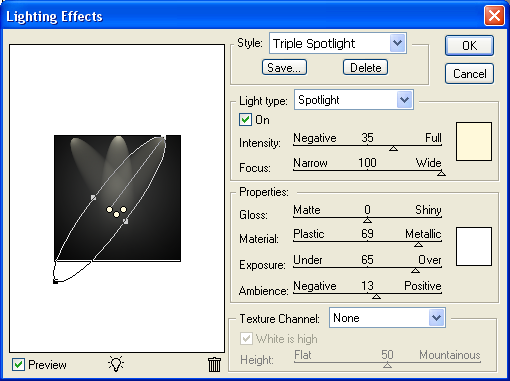
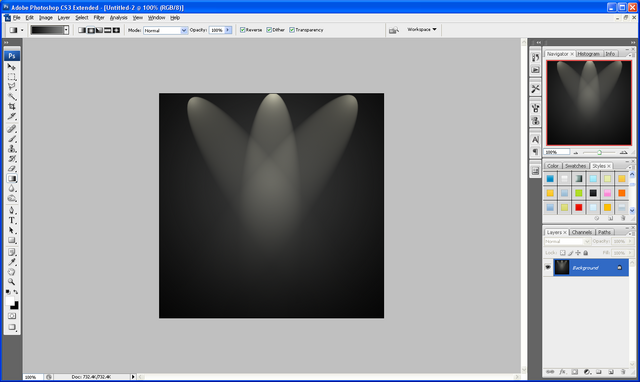
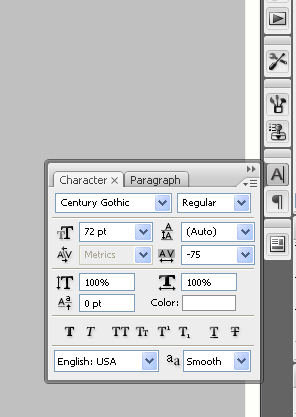
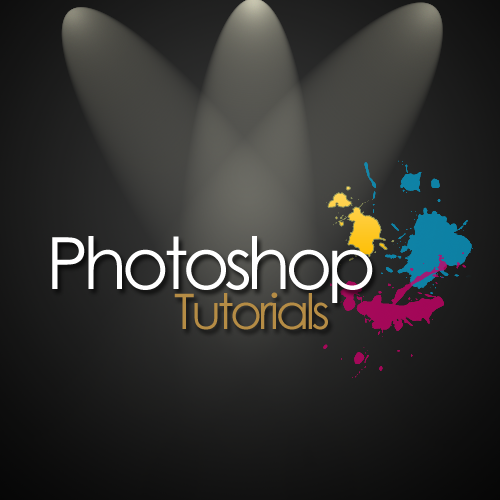
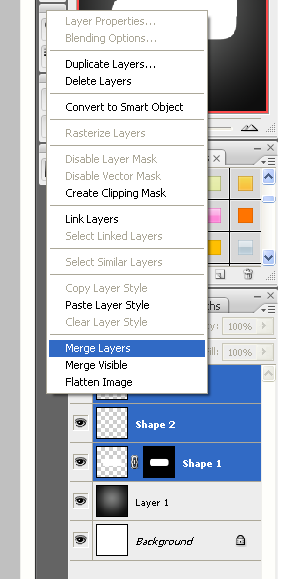
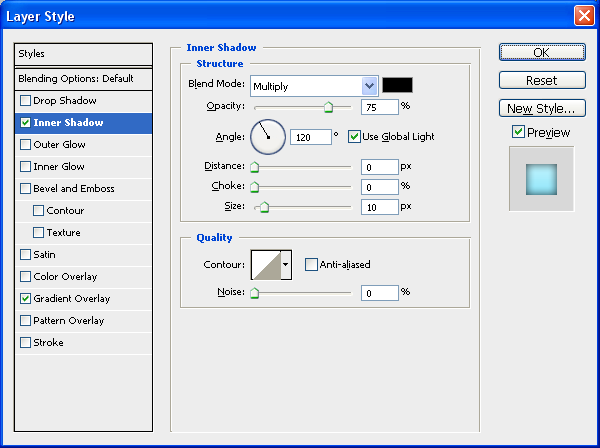
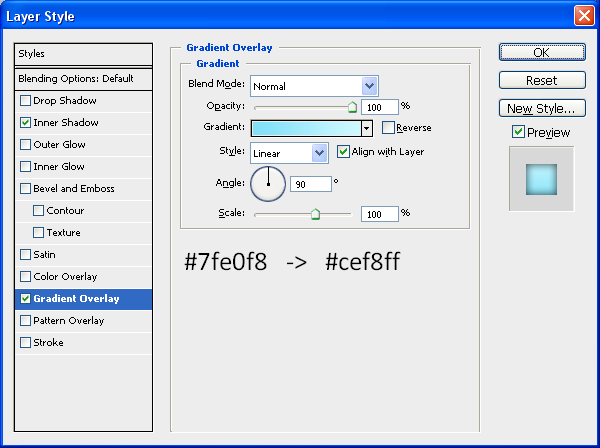
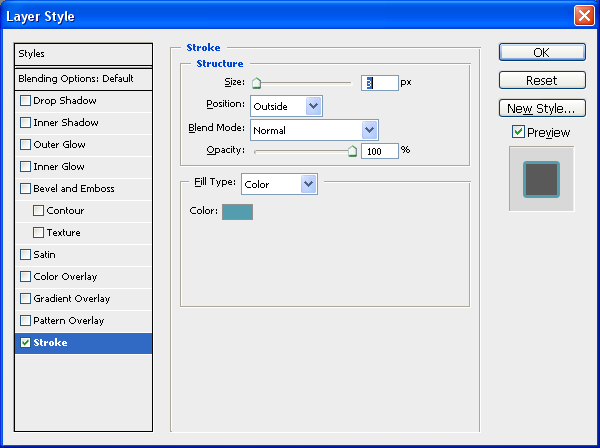
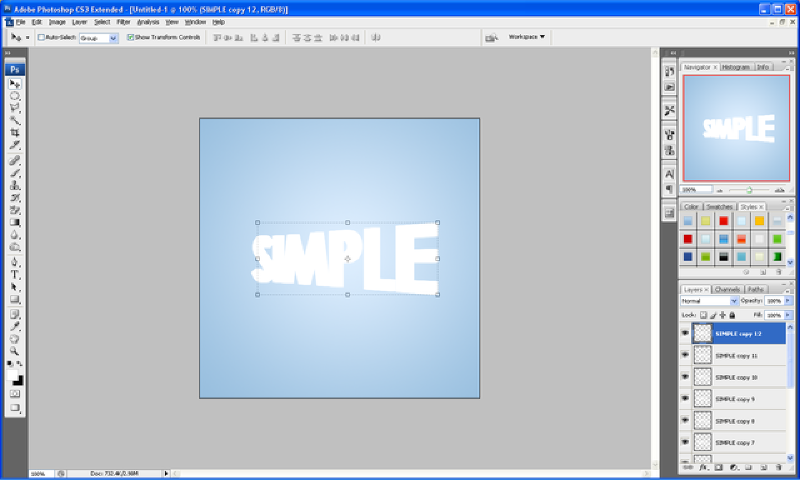
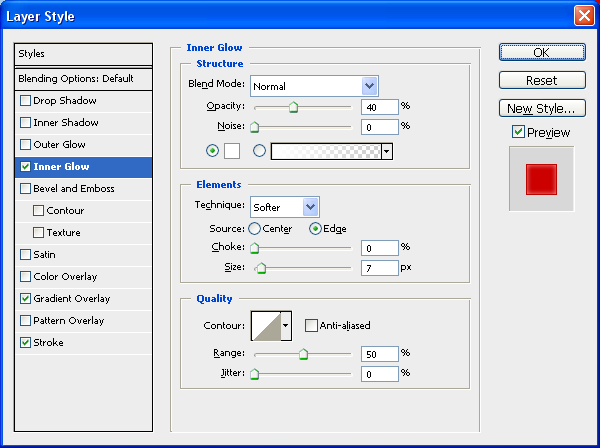
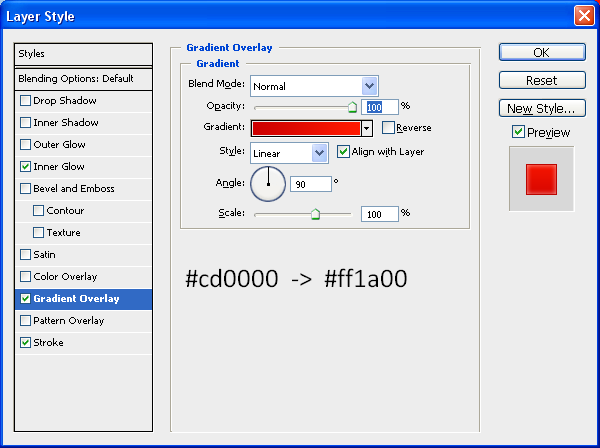
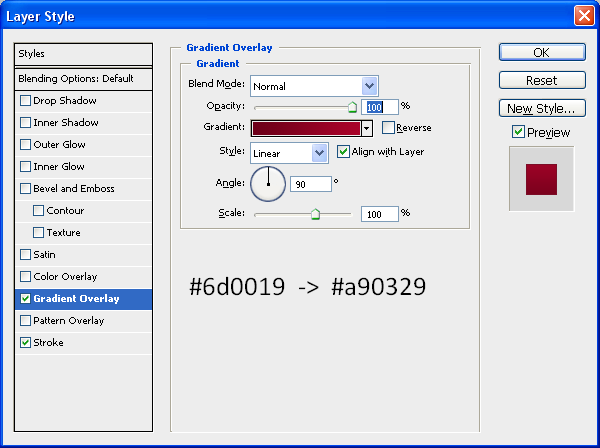
This tutorial will show you how to make the cool image you often see behind the social bookmark links at the bottom of posts on most websites, some are more elaborate than others which helps to make your social bookmarks stand out more, I will show you how to make the background image and what techniques i used in order to get the effect I have ended up with, they are basic steps but ones that can be applied to other situations,
Tags: Background, Bookmark, Bookmarking, Design, Image, Photoshop, Social, Tutorials
August 27, 2008 in General Effects by Steve Tolley
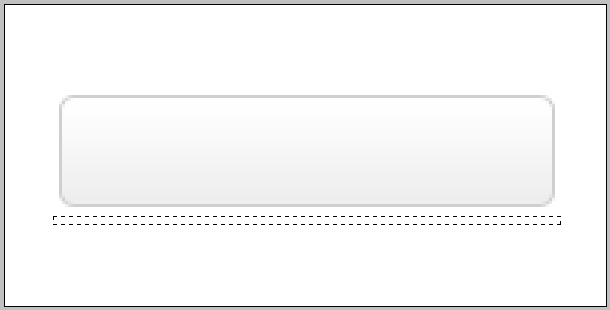
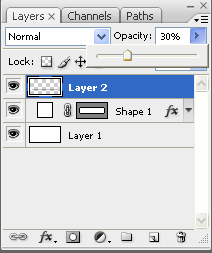
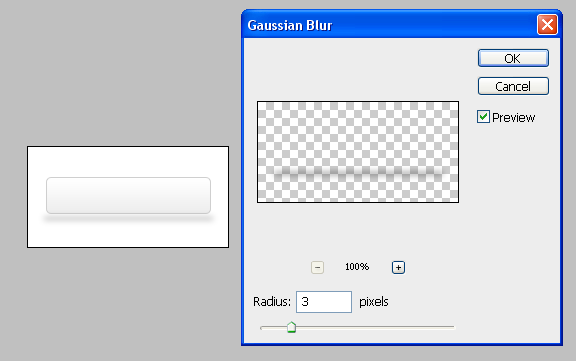
This tutorial will show you how to create realistic shadows using simple methods this can be applied to any object that needs a shadow and the same principles apply for each.
Tags: Buttons, Photoshop, Realistic, Rectangle, Shadows
August 26, 2008 in General Effects by Steve Tolley
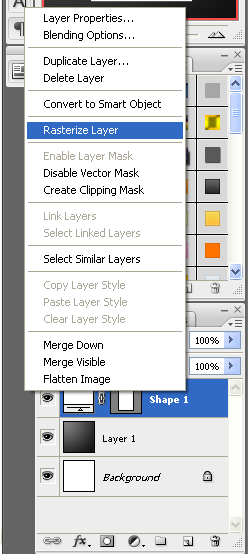
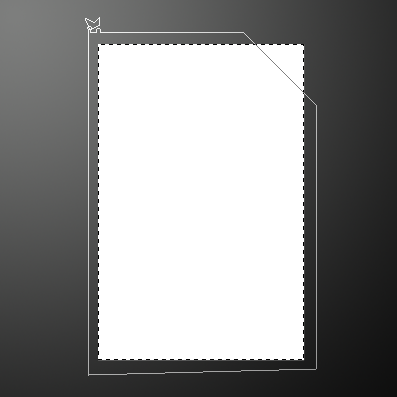
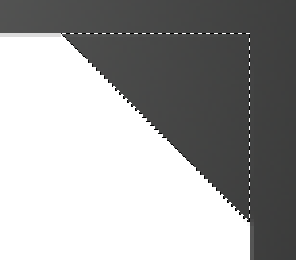
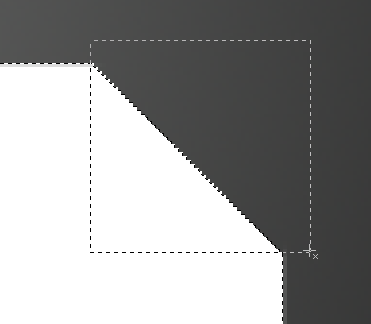
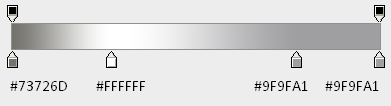
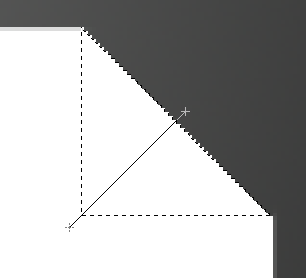
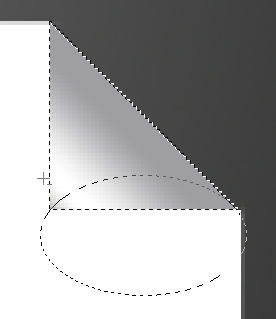
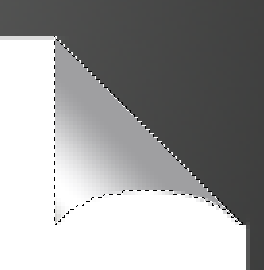
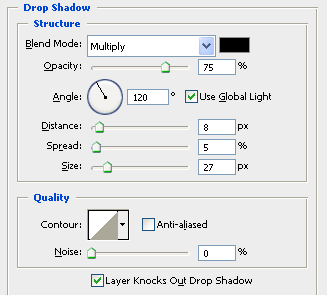
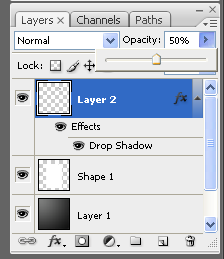
This tutorial will show you how to make the folding corners on pages, documents etc…very simple method but gives a great end result, adds a dynamic effect to images and can be used for things such as posters or books etc…
Tags: Corner, Corners, Document, Folding, Page, Photoshop, Tutorial
August 23, 2008 in Website News/Updates by Steve Tolley
WordPress…
As you can probably see the website has changed, as I was promising for quite a while on the old website I was working on a new design, and this is the outcome, so far I havent finished absolutely everything yet as there is still some pages and posts that need to be arranged and added, but I thought I would get most of it uploaded and then finish it from there.
Tags: New, Photoshop, Tutorials, Website, Wordpress
August 18, 2008 in Textures by Steve Tolley
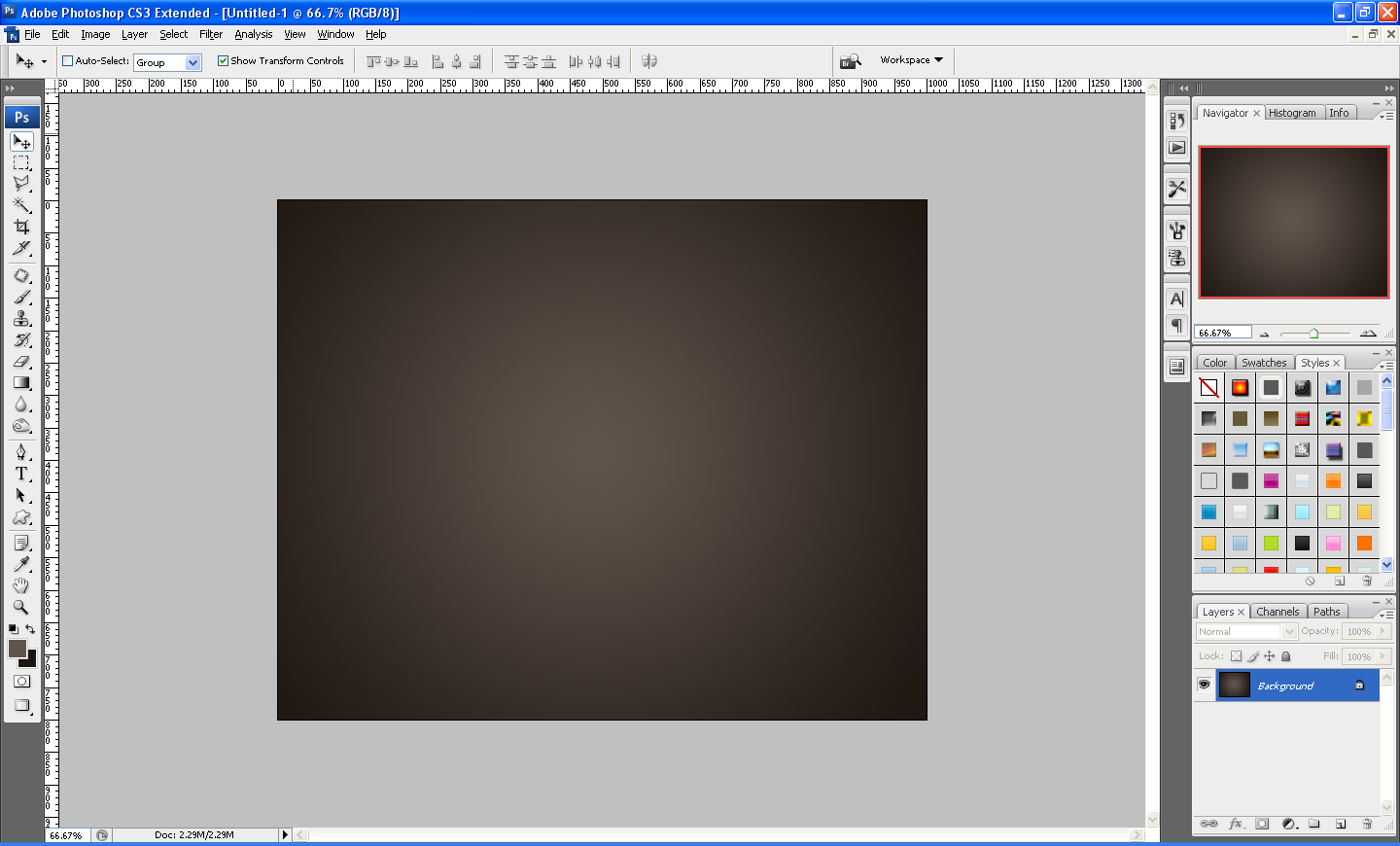
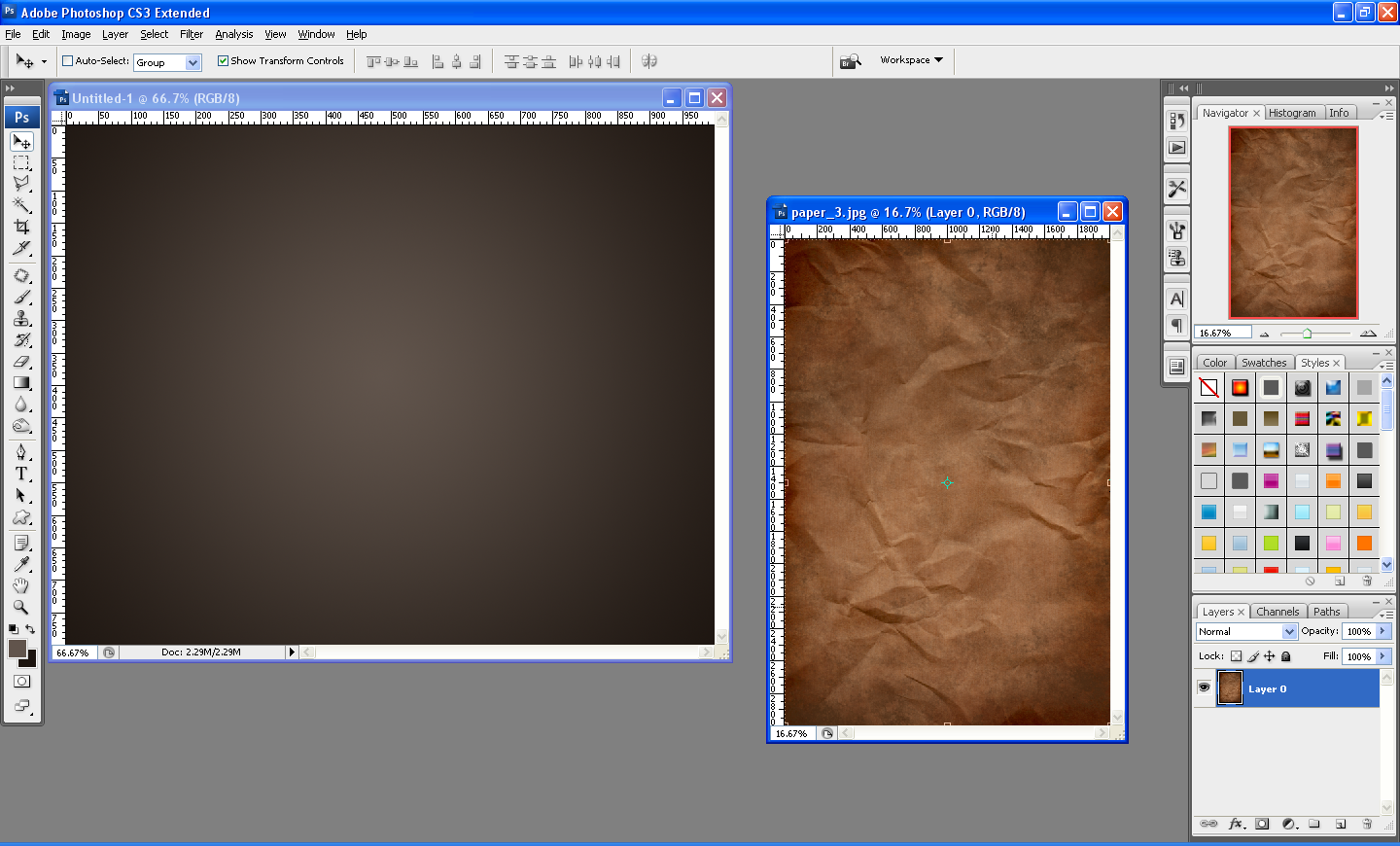
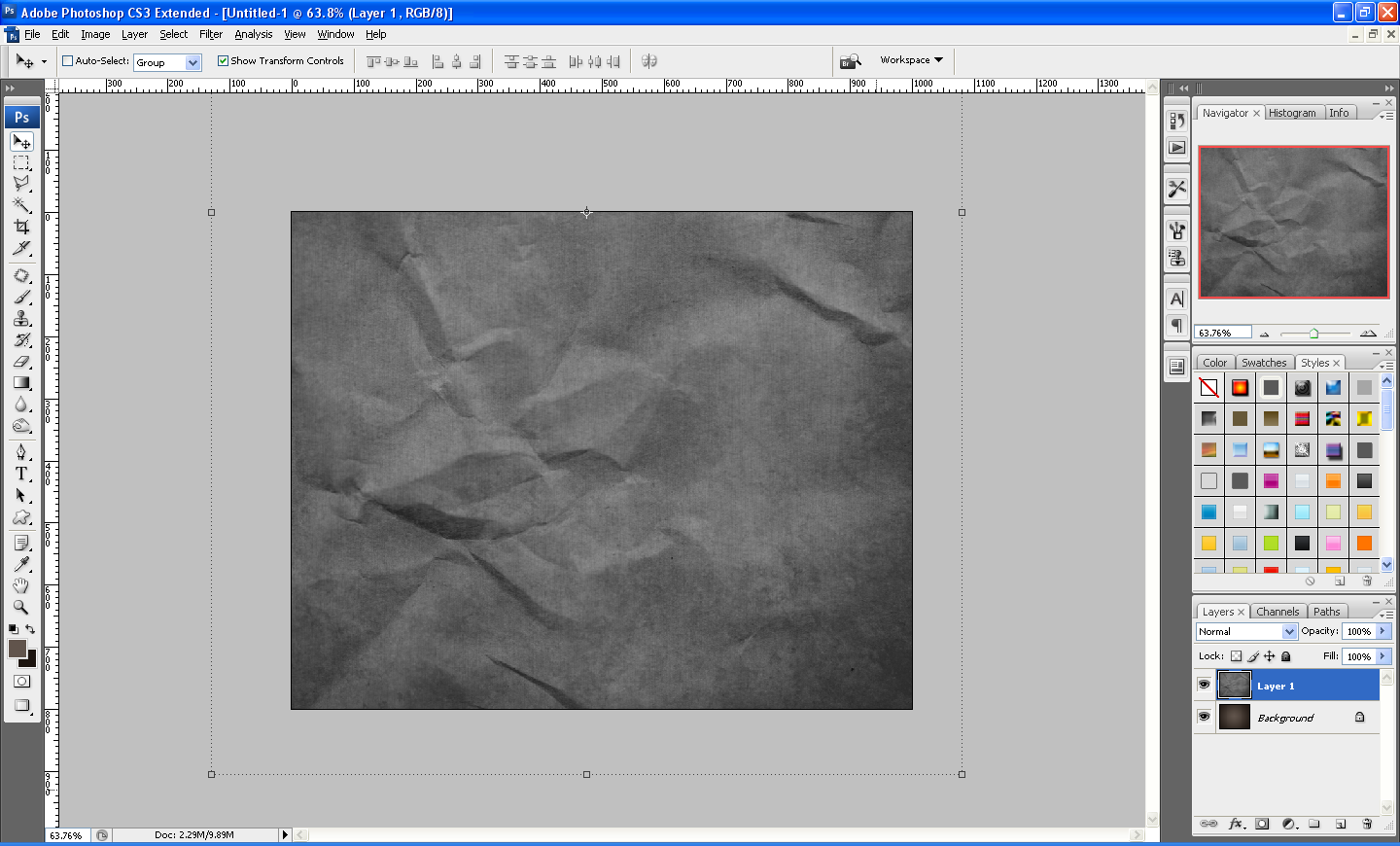
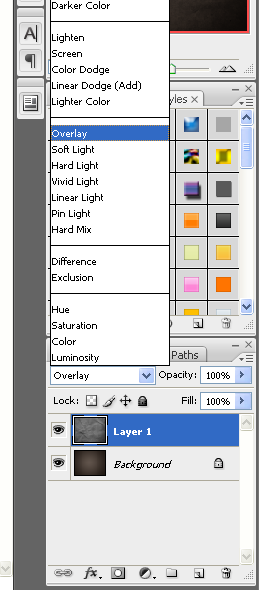
OK my first tutorial for quite a while now, after successfully securing a place in university I am ready to start posting again whilst looking for a decent host for my new website design (any help appreciated) to get me back into the swing of things I am going to do a relatively easy tutorial to start with, but one I think is very useful when making any type of image that looks a bit plain and boring, the best way to make these sorts of images look better is to simply apply a texture over the top of your background or specific part of the document (e.g. Text) and it is much easier than you may think
Tags: Background, Depth, Effects, Image, Part, Photoshop, Textures, Tutorials
April 11, 2008 in Text Effects by Steve Tolley
This tutorial is very simple to complete but still gives a nice finish to a cool Web 2.0 style logo for a website etc…only takes around 5 minutes to complete and shows some good techniques which can be used in the future when designing other Web 2.0 Style objects.
Tags: Design, Logo, Photoshop, Tutorials, Web 2.0
April 9, 2008 in The Basics by Steve Tolley
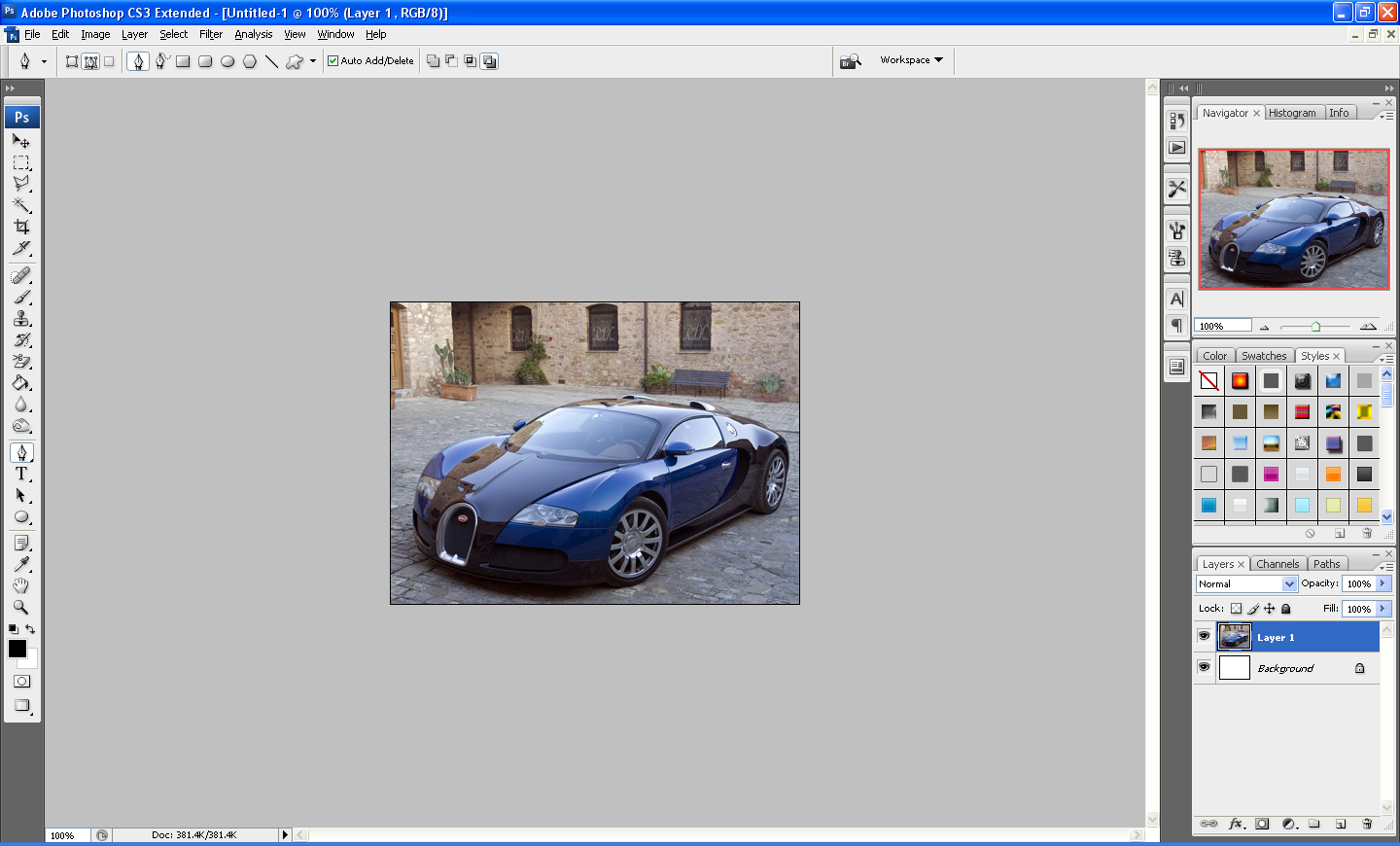
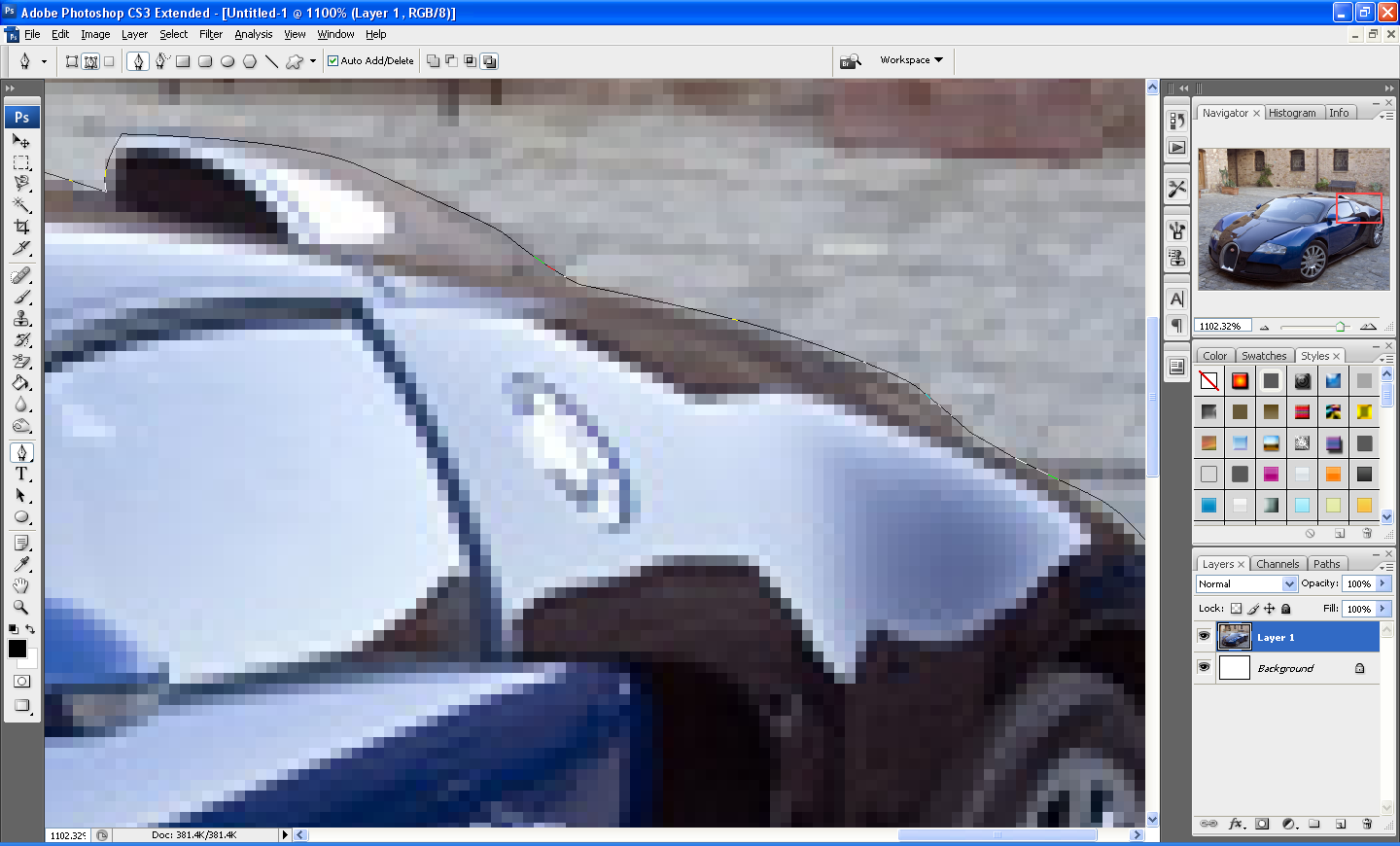
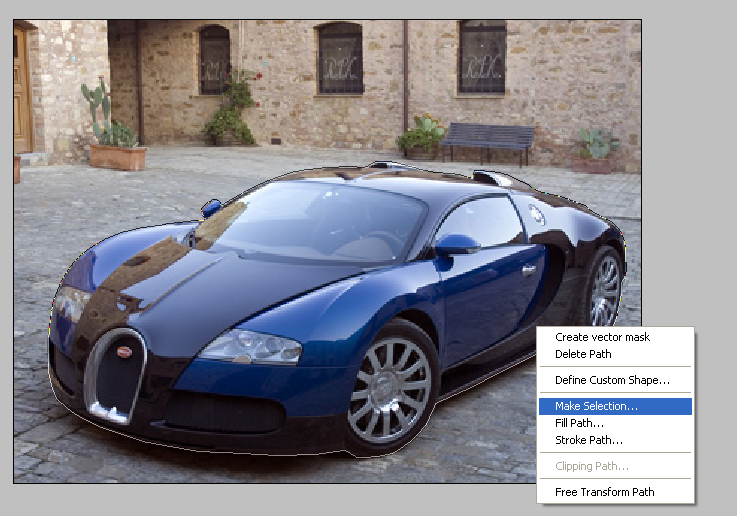
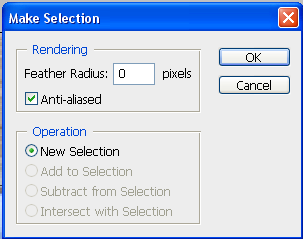
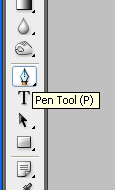
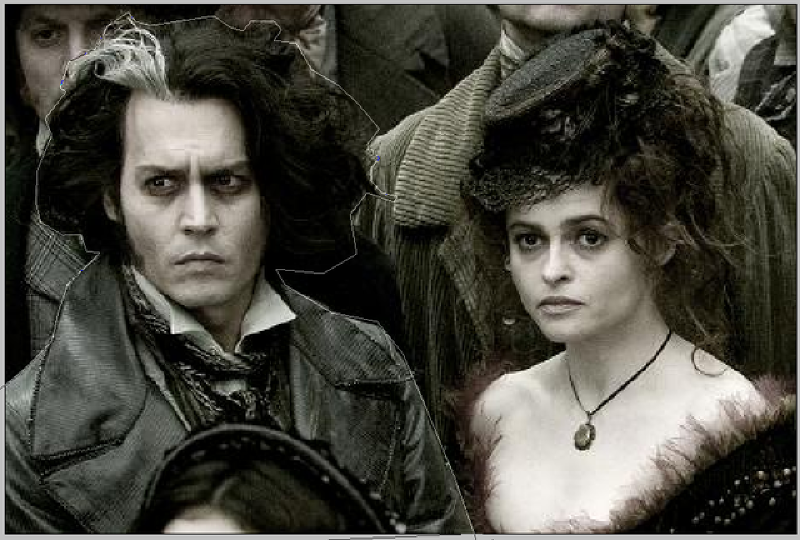
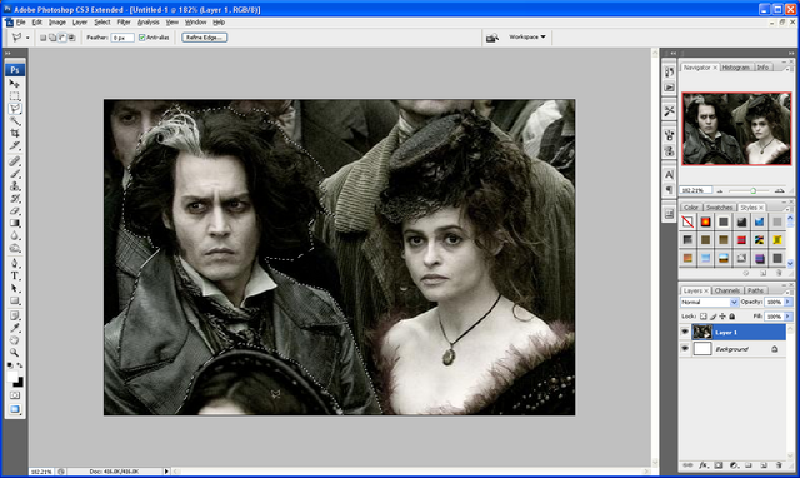
This tutorial is more for the beginners of Photoshop on how to use the pen tool and what you can do with it, although some more advanced with Photoshop may also find this useful, it is just a quick tutorial today as I am currently working on a new WordPress layout for this website so I am quite occupied with that, but I will still be doing tutorials every other day whilst I am doing this.
Tags: Basics, Beginners, Pen, Photoshop, Tool, Tutorials
April 6, 2008 in Designing by Steve Tolley
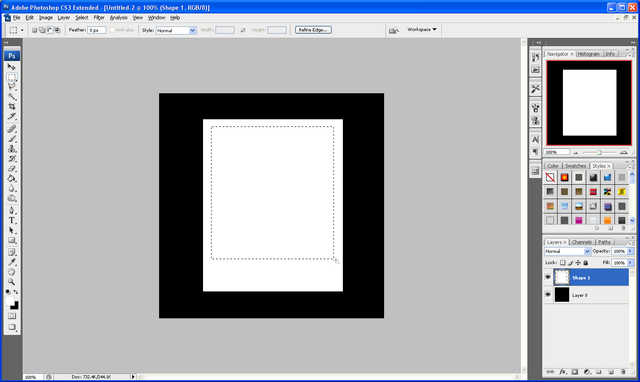
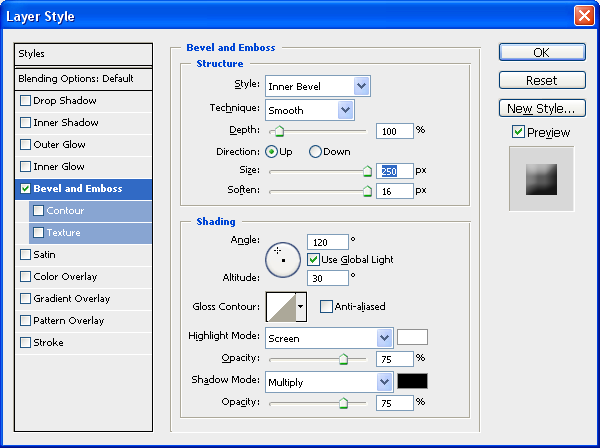
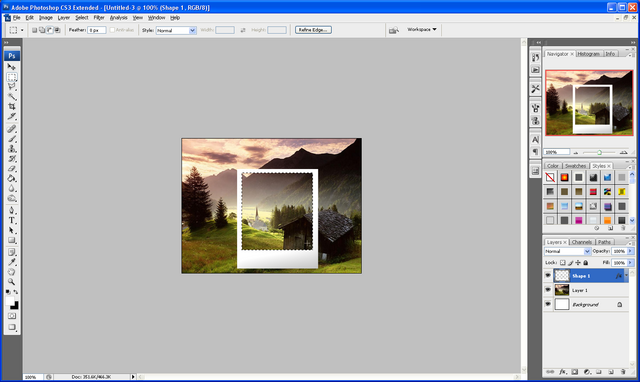
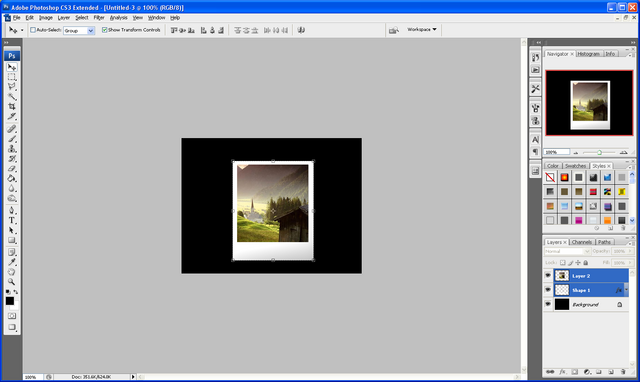
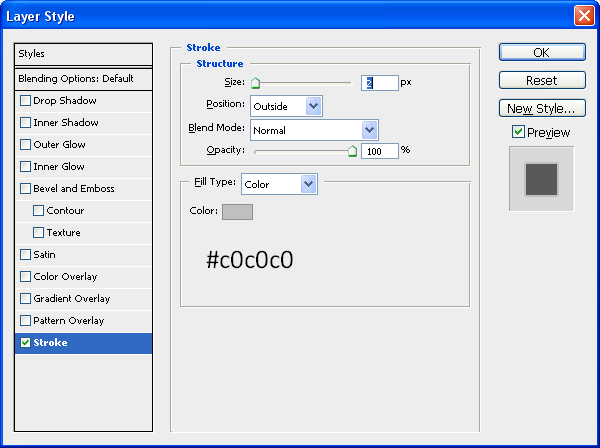
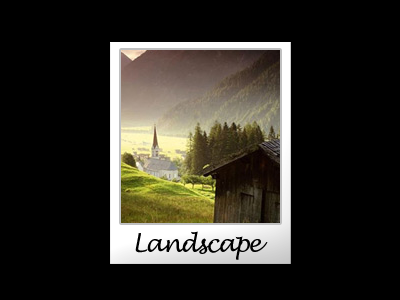
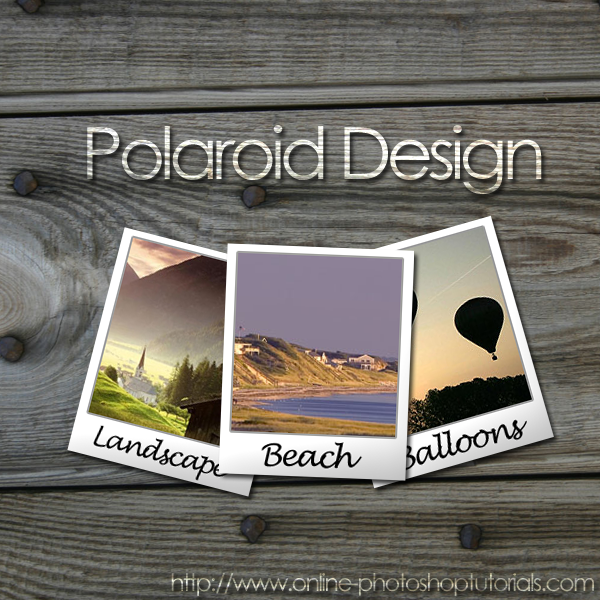
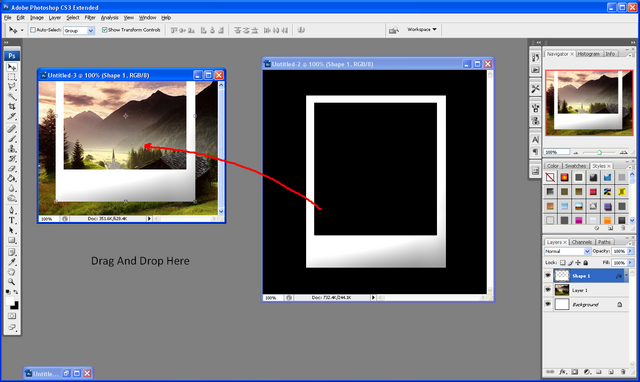
This tutorial will show you how to get a nice polaroid image effect just using standard shapes and images, not difficult to follow and can be used in many projects, e.g. Family Holiday Photos, Weddings etc…
Very easy to follow and not complicated to complete PSD files included incase you need any extra help.
Tags: Design, Photoshop, Polaroid, Tutorials
April 5, 2008 in Designing by Steve Tolley
This tutorial will give you some useful tips on how to create a professional looking logo using simple design techniques and how to showcase your work using basic Photoshop lighting options, very useful when looking at logo design for your own website or maybe just to learn abit more how Photoshop works
Tags: Design, Logo, Photoshop, Showcasing, Tutorials
April 3, 2008 in Photo Effects by Steve Tolley
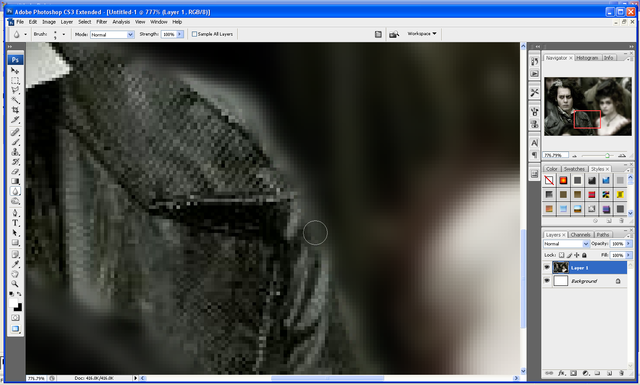
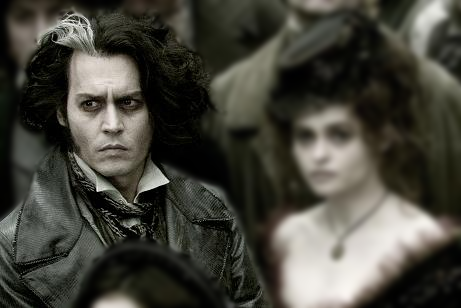
This tutorial shows you how to make a “Depth of Field Effect” in Photoshop this is where you pick something in an image that you want to “Stand Out” and then blur the background so the focal point of the image changes, really cool effect and can be used on any image.
Tags: Blur, Depth, Effect, Pen, Photoshop, Tool, Tutorials
April 2, 2008 in Web Graphics by Steve Tolley
This tutorial will teach you some fundamental techniques when it comes to making cool looking buttons for a navigation bar easy to understand with plenty of detail and a nice looking outcome that can be used on any modern looking website.
Tags: Button, Modern, Navigation, Photoshop, Tutorials
April 1, 2008 in Text Effects by Steve Tolley
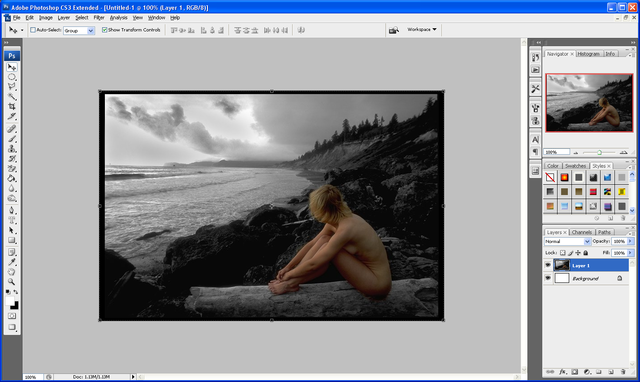
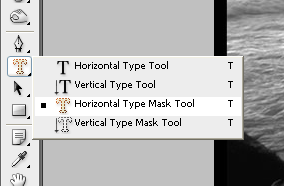
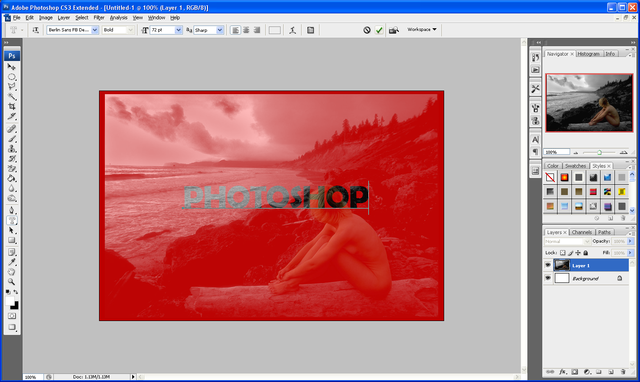
This tutorial shows you how to use the “Horizontal Type Mask Tool” to cut the text out of an image so that you are left with very unique text, this tutorial can be applied to any image to get a really nice effect.
Tags: Effects, Masking, Photoshop, Text, Tutorials
March 31, 2008 in Text Effects by Steve Tolley
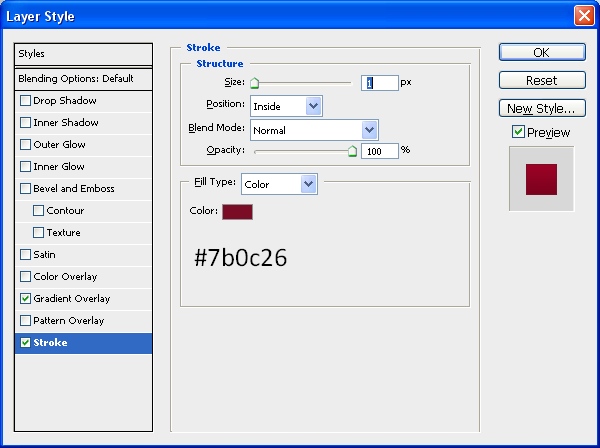
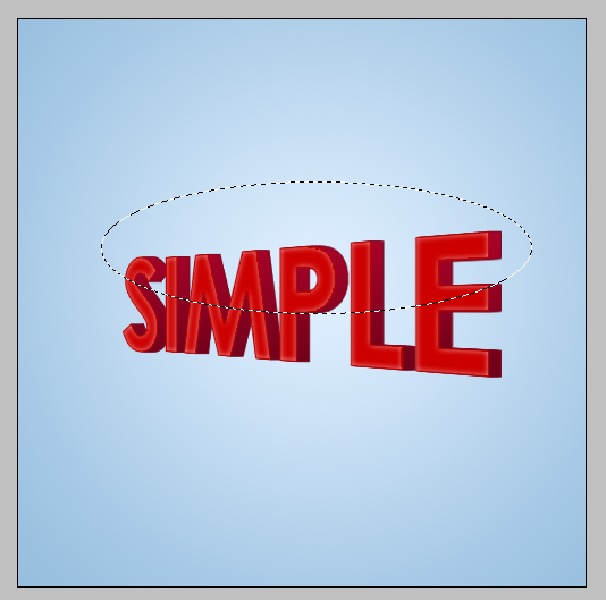
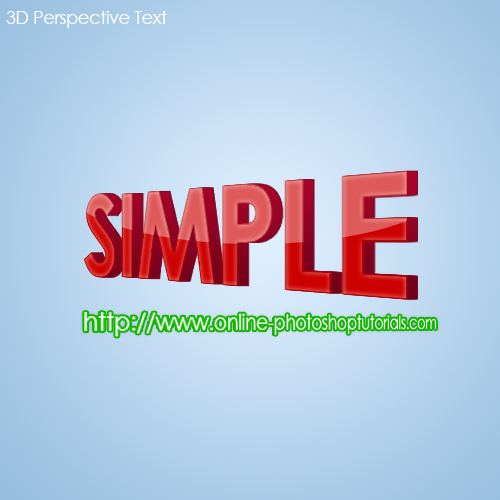
This tutorial shows you some basic techniques using different blending options to get a 3D text that is in perspective, with a nice end result which really stands out.
Tags: 3D, Effects, Perspective, Photoshop, Text, Tutorials
March 30, 2008 in The Basics by Steve Tolley
This tutorial explains what an “Adjustment Layer” is and also the benefits of using one instead of just adjusting it normally, and how to best use it so that you get the desired effect that you want.
Tags: Adjustment, Layer Mask, Photoshop, Tutorial